How to use sublimation paper correctly
Jun. 13, 2026
DIY personalization projects are highly sought after among print shops and consumer groups. People customize and personalize everything from T-shirts, hats, mugs and more to show their unique colors.
Sublimation paper is a very important consumable in DIY production, and plays the role of an intermediate carrier in the DIY process. Usually the sublimation ink is temporarily mirrored onto the sublimation paper. During heat transfer, the ink is restored from the paper to the product. Therefore, whether the sublimation paper is used correctly is a prerequisite for the quality of DIY products. So, how should sublimation paper be used correctly?
1. Determine the quality of thermal transfer paper
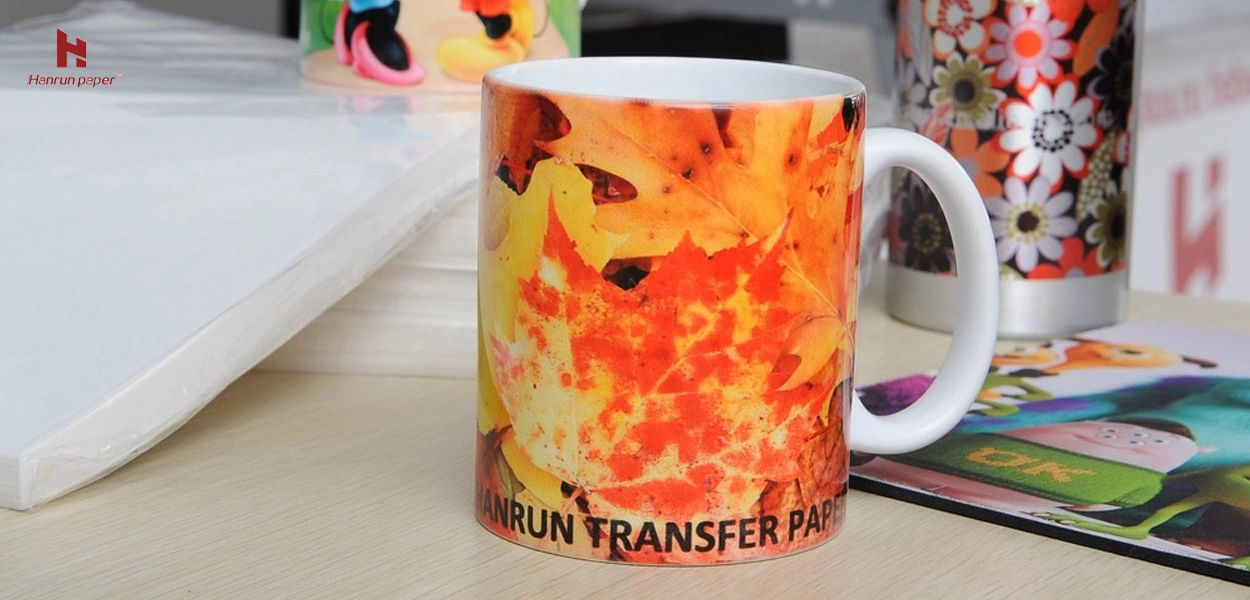
When judging the quality of sublimation paper, the main consideration is reducibility, which is a determining condition for the quality of sublimation paper. In addition, the uniformity and thickness of the thermal transfer paper coating is also an important factor affecting the quality of the thermal transfer paper. Hanrun Paper® Super Sheet Dye-Sub Paper provides uniform coating and high transfer rate. A3 and A4 sizes are easy to operate and more flexible to print.
2. Determine the printing surface of the thermal transfer paper
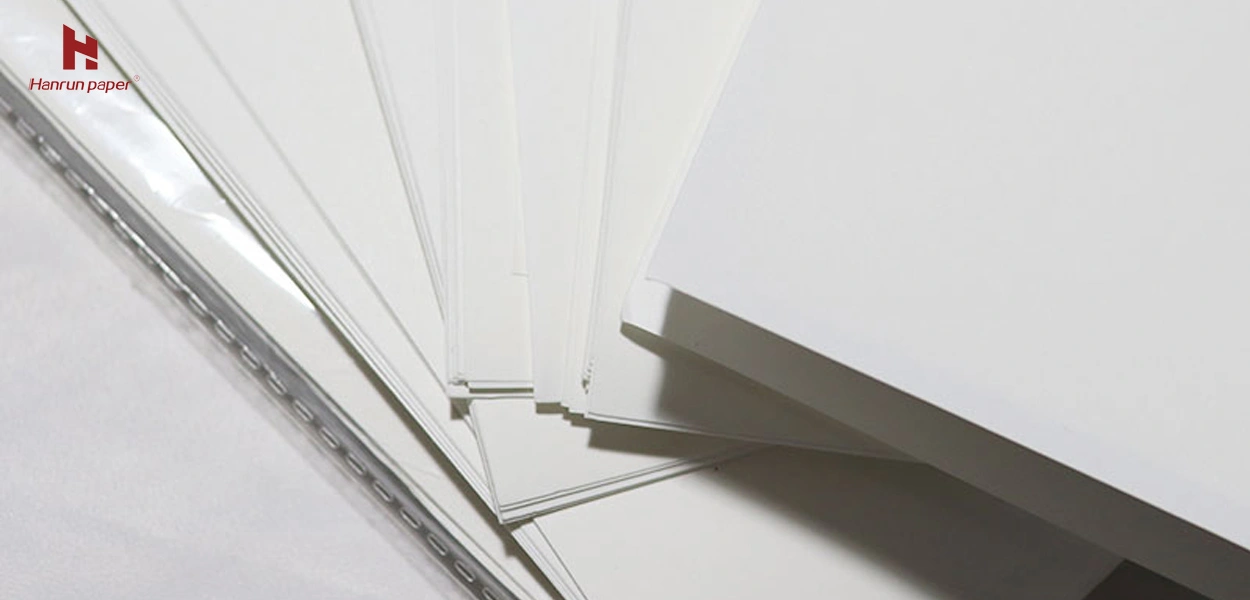
Sublimation paper is divided into front and back, which is very different from the ordinary printing paper we usually use. The front side of the thermal transfer paper is usually called the print side. Therefore, to determine the front side of the thermal transfer paper is to determine the printing side of the thermal sublimation paper.
Typically, there are three ways to determine the print side of thermal transfer paper:
a. Visual identification method
The two sides of the thermal transfer paper can be separated from the eyes, one side is brighter and the other side is darker. The darker side is our front, which is the print side.
b. Tactile discrimination
We touch both sides of the thermal transfer paper with both hands, and the rough surface of the paper is the printing surface.
c. Air exposure method
This is relatively not recommended for everyone to use. Novice friends can cultivate the experience of discrimination in the early stage. Since the surface of the thermal transfer paper has a thermal transfer coating, it will bend when exposed to the air. The side that is bent is the printing surface we want to determine (the bending direction, the inward is the printing surface).
After understanding the above two steps, we can use the sublimation paper well and correctly.
If you want to know more, please click the contact information below, Hanrun Paper® is at your service.
Latest News

Related Products

Epson i3200-A1HD printhead
Micro-piezoelectric inkjet printing technology
Stable continuous supply system, high printing speed
Automatic and continuous cleaning of ink tubes

UV-H2513 Large Format Flatbed Printer
Four-Zone Vacuum Control System
Magnetic Levitation Linear Motor
Negative Pressure Ink Supply System
Automatic Height Detection System
High-Quality Output
One-stop UV Printing Solution

UV-H1806S Hybrid Multifunction Printer
Industrial Large-Format Output
Supports High Drop Printing
Negative Pressure Ink System
Maximum 30 mm Media Thickness Support
Automatic Height Detection System
Stable Production

UV-H1804E Hybrid Multifunction Printer
1.85-meter industrial wide-format output
Hybrid flatbed & roll-to-roll structure
Industrial-grade stability design
Professional RIP color management system
Three-zone independent vacuum system
Roll-to-Roll System

80cm printing width complete printing solution
30% lower production costs
Safe and worry-free
13-Color Printing Capability

80cm printing width complete printing solution
30% lower production costs
Safe and worry-free
Max 50m2/h under 5-color configuration

UV-H6090S Multifunctional Flatbed Printer
3*i3200-U1 high speed printing
Multicolor configuration
CCD vision positioning system
Eco-friendly and energy-saving

UV-H9060 Multifunctional Platform Lifting Printer
Maximum 50 cm material thickness
Negative pressure ink supply
Vision positioning system
Supports roll and cylindrical printing

19gsm Brown Color Sublimation Protective Tissue Paper
-Safe and Environmentally Friendly
-More Economical Solution
-Stable Quality
-Equipment Protection

Send in Inquiry
Transfer to Digital, Transfer to Future
Contact Us
+86 189 3686 5061
Address:Building 3, Yinghui Industrial Park, 129 Suyuan Avenue, Moling Subdistrict, Jiangning District, Nanjing
Navigation
Navigation